Okay, we will be doing a Beginner tut today
1. Find your stock images.
google, flickr, and photobucket work well
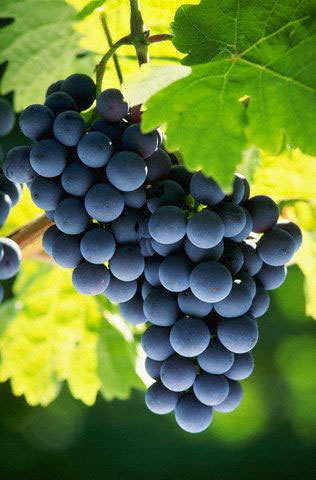
Here is mine ~
2. Place it where you want, make a new layer, then do a gaussian blur (Filters

Blur
Gaussian Blur) And set it to 4 vertical 4 horizontal
3. Go to Pick (Filters
Noise
Pick) Randomization - 60%, Repeat 45
4. In your layer menu (Ctrl + L), set this layer as Hard light, 75% Opacity
5. Adjust your brightness (Colors
Brightness-Contrast) and do whatever works good, I Set my brightness at 45
6. Motion Blur (Filters
Blur
Motion Blur) Length-15 Angle- 120
6. Make a new layer and add text
7. Set that layer to overlay and duplicate it until you like it
My result ~

If you are stuck/have questions lmk
Please post results!
This post was edited by ForTheWinV2 on Nov 16 2008 03:09pm